




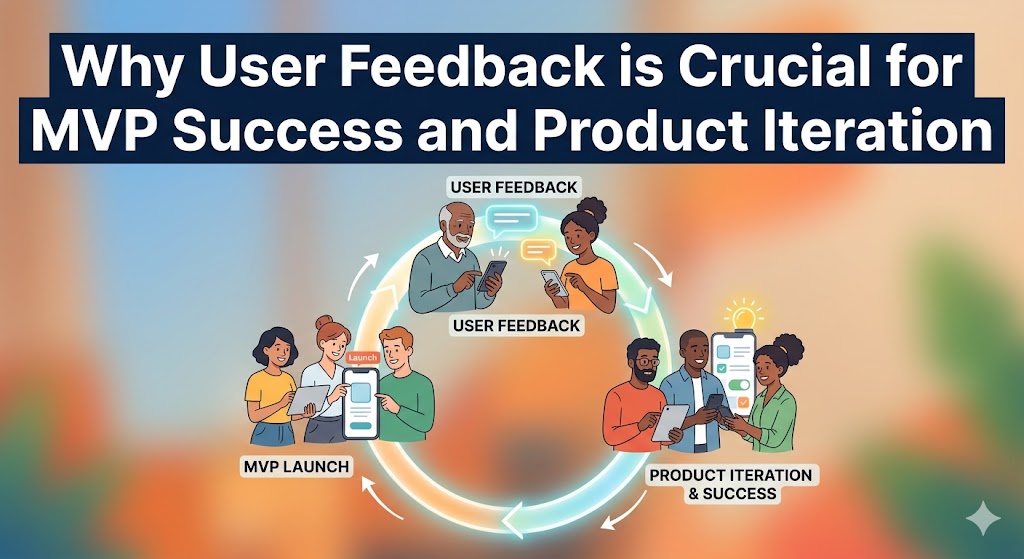
A Minimum Viable Product (MVP) launched without a system for collecting and acting on user feedback isn't a learning tool; it's a gamble. The purpose of an MVP is to test your riskiest assumptions and validate your core concept with real users, allowing their insights to guide your product's evolution.
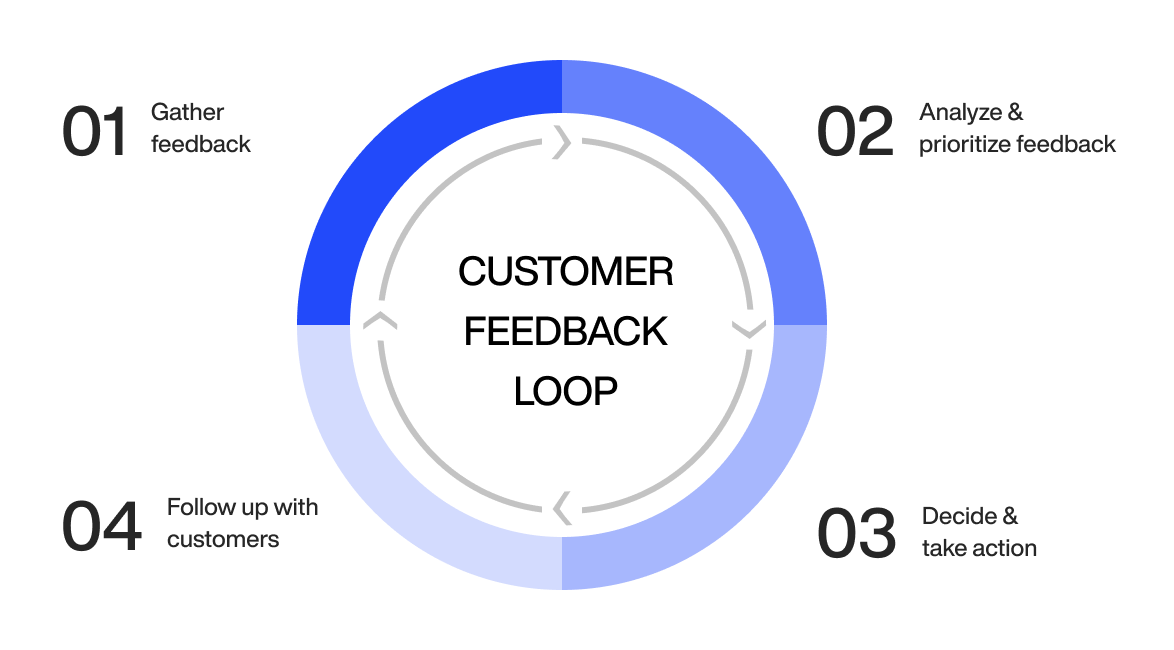
This guide provides a step-by-step process for building a robust feedback loop that turns early user input into a powerful engine for growth, ensuring you build what the market truly needs.
Why User Feedback is the MVP's Most Valuable Asset
Before diving into the "how," it's critical to understand the "why." User feedback isn't just a "nice-to-have"; it's the mechanism that powers the entire Build-Measure-Learn loop. It's the difference between building a product based on assumptions and building one based on evidence.
- Validates Your Core Idea: Feedback is the most direct way to learn if you're solving a real problem for a real audience. It helps you find product-market fit faster by confirming or challenging your initial hypothesis.
- Mitigates Risk and Reduces Waste: Early insights prevent you from investing significant time and money into features nobody wants. According to CB Insights, 35% of startups fail because of "no market need"—a problem directly solved by listening to users.
- Guides Prioritization: With limited resources, you can't build everything. Feedback provides the data you need to prioritize the features and fixes that will have the biggest impact on user satisfaction and business goals.
- Creates Early Evangelists: Involving users in the development process and acting on their suggestions makes them feel heard and valued, transforming early adopters into loyal advocates for your product.
Step 1: Lay the Groundwork for Effective MVP Feedback
Before you ask for a single opinion, you must establish a clear purpose and identify the right people to provide feedback. This foundational step ensures the insights you gather are relevant, actionable, and aligned with your business goals.
Define Your MVP's Core Purpose and Success Metrics
- Craft a Clear MVP Hypothesis: Go beyond a simple statement. Articulate what you're testing. For example: "We believe that by providing freelance designers a single-click timer and a basic dashboard, we will help them track project time more accurately than with manual spreadsheets, leading to better invoicing."
- Establish Key Performance Indicators (KPIs): Determine what success looks like with quantifiable metrics. This could be user engagement (e.g., 50% of users use the timer daily), task completion rates (e.g., 90% of users successfully create their first project), or retention (e.g., 20% of new users are still active after one week).
- Identify Your Core Assumptions: List the biggest "leaps of faith" your MVP is designed to test. Examples include: "Users are willing to install a desktop app for time tracking," or "Users will find a simple dashboard valuable enough without advanced reporting." This focuses your feedback collection on the most critical areas.
Identify and Recruit Your Target Early Adopters
- Create Detailed User Personas: Build profiles of your ideal first users. Include their goals, motivations, technical skills, and where they spend their time online. This helps you focus recruitment efforts beyond just demographics.
- Recruit from Niche Communities: Find early adopters on platforms like Reddit, LinkedIn groups, or specialized Slack/Discord communities. Instead of just posting a link, engage authentically. Ask a question like, "Freelance designers, what's your biggest headache with time tracking?" to start a conversation before introducing your MVP.
- Segment Your Testers: Group users by persona or use case (e.g., "solo freelancer" vs. "agency contractor"). This allows you to analyze feedback through different lenses and understand if your MVP resonates more strongly with one segment.
Step 2: Implement a Multi-Channel Feedback Collection System
No single method captures all feedback. A comprehensive approach combines direct and indirect, qualitative and quantitative methods to get a complete picture of the user experience.
Gather Quantitative Data with Surveys and Analytics
- In-App Microsurveys: Use tools to deploy short, contextual surveys. After a user successfully exports a report, ask, "On a scale of 1-5, how easy was it to find what you needed?" These provide immediate, quantifiable data on specific workflows.
- Behavioral Analytics: Track what users do, not just what they say. Monitor user flows, identify drop-off points, and measure feature adoption. If 80% of users abandon the onboarding process at step three, you have found a critical friction point without asking a single question.
- NPS/CSAT Scores: Implement Net Promoter Score ("How likely are you to recommend us?") or Customer Satisfaction surveys to gauge overall sentiment. This gives you a high-level benchmark to track over time as you make improvements.
Uncover Deeper Insights with Qualitative Feedback
- User Interviews: Conduct 30-minute one-on-one video calls to understand the "why" behind user actions. Interviews are invaluable for digging into motivations and pain points. Ask open-ended questions like, "Walk me through how you handled project billing before using our tool," to uncover context. Record sessions (with permission) to focus on the conversation.
- Moderated Usability Testing: Observe users in real-time as they attempt to complete specific tasks with your MVP. This is one of the most effective ways to identify usability issues. You'll quickly see where the interface is confusing or where the workflow breaks down.
- Session Recordings: Watch anonymized recordings of user sessions. This allows you to see exactly where users get stuck, where they "rage click" in frustration, and what features they ignore, providing unfiltered behavioral insights.
Comparison of Feedback Collection Methods
| Method | Type | Best For | Effort to Implement |
|---|---|---|---|
| In-App Surveys | Quantitative/Qualitative | Quick sentiment, specific feature feedback | Low |
| User Interviews | Qualitative | Deeply understanding user motivation and pain points | High |
| Analytics Tracking | Quantitative | Identifying behavioral trends and drop-off points | Medium |
| Usability Testing | Qualitative | Uncovering UX friction and workflow issues | High |
| Session Recordings | Qualitative/Behavioral | Diagnosing specific usability issues and bugs | Medium |
Step 3: Analyze and Prioritize Feedback for Action
Collecting feedback is only half the battle. The next step is to process the raw data, identify patterns, and make data-driven decisions about what to build, fix, or improve next.
Centralize All Feedback into a Single System
- Choose a Management Tool: Use a platform like Canny, Productboard, or even a structured Trello or Notion database to aggregate all customer input. This prevents valuable insights from getting lost in emails or Slack DMs.
- Standardize Feedback Entry: Create a simple template for logging feedback that includes the source (e.g., "User Interview"), user segment, the verbatim feedback, and any relevant context. This consistency is crucial for effective analysis.
Categorize Feedback to Identify Key Themes
- Tag Everything: As feedback comes in, tag it with relevant categories. Common tags include:
- Bug Report: Something is broken.
- Feature Request: A request for new functionality.
- Usability/UX Friction: Something is confusing or difficult to use.
- Positive Feedback: Something users love and you should protect.
- Pricing/Value: Comments related to cost or perceived worth.
- Look for Patterns and Signals: Regularly review your tagged feedback to identify recurring issues or popular requests. A single request is an anecdote; five requests for the same thing from different user segments is a strong signal.