


For any startup, a professional website isn't just a line item on a checklist; it's your digital headquarters. It’s where you validate your MVP with early adopters, establish credibility with investors, acquire your first customers, and tell your story to the world. A clunky, unprofessional site can kill a deal before it even starts.
The good news? You don't need a six-figure budget or an in-house development team to build something incredible. Modern, no-code website builders have leveled the playing field, allowing founders to launch beautiful, functional websites in days, not months. They offer the perfect trifecta for an early-stage company: speed to market, cost-effectiveness, and professional results without writing a single line of code.
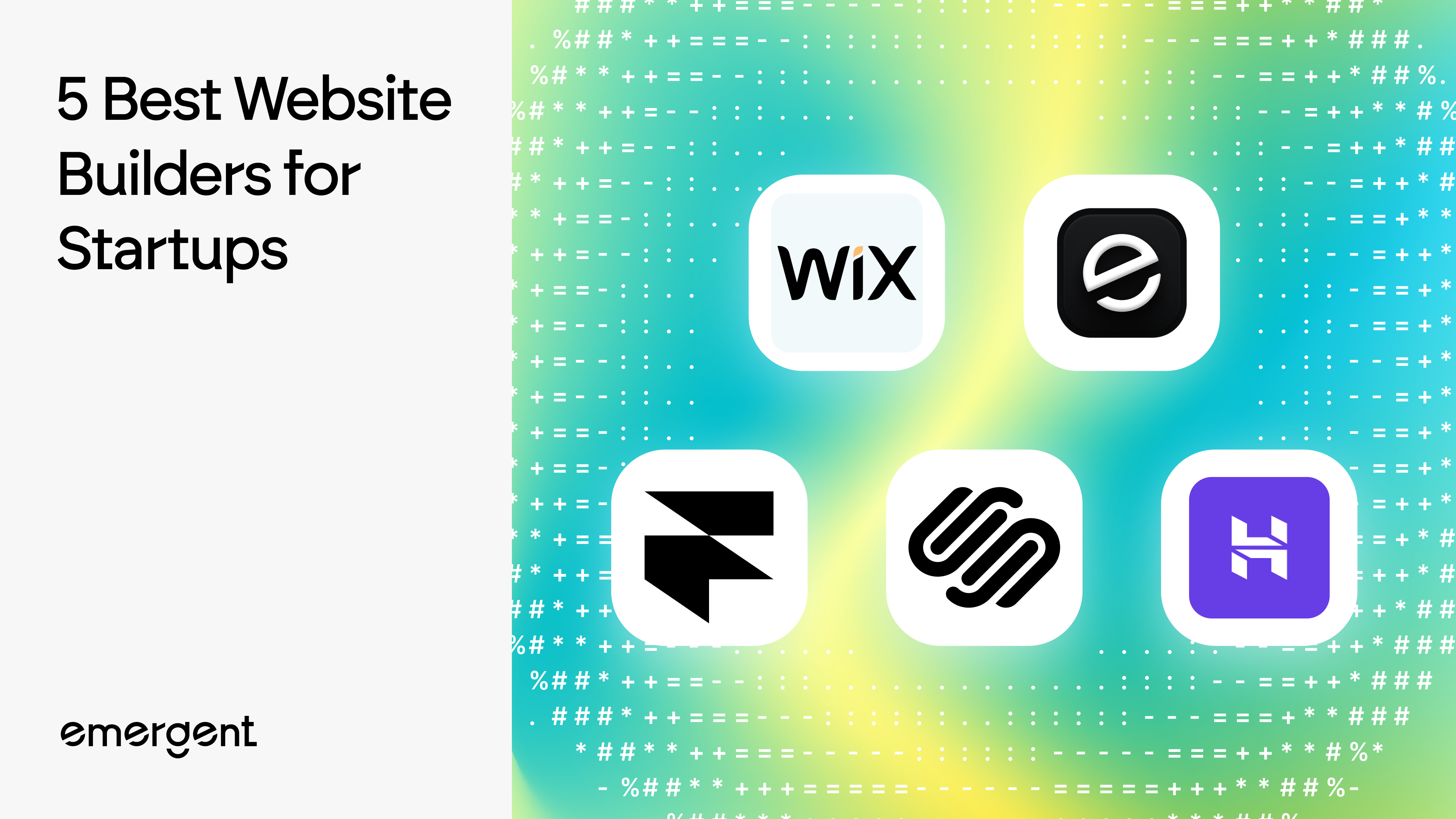
This guide will break down the best website builders for startups. We'll compare them based on the things that actually matter to a founder: scalability, design flexibility, and the integrated business tools you need to grow.
Our Top Picks: The Best Website Builders for Startups by Category
- Best for Tech & SaaS Startups: Webflow – Unmatched design control and a powerful CMS make it ideal for marketing a tech product.
- Best for Visually-Driven Brands: Squarespace – Perfect for D2C, creative, and service-based startups that need a polished look with minimal effort.
- Best for E-commerce Startups: Shopify – The undisputed leader for any business whose primary function is selling products online.
- Best for AI-Powered Creation: Framer – The fastest way to go from a simple idea to a highly interactive, beautifully designed site.
- Best for Validating an MVP: Carrd – The top choice for building a simple, effective one-page site to capture interest and pre-launch signups.
- Best All-in-One Platform: Wix – The most feature-rich option for startups needing a wide range of integrated tools from a single dashboard.
Comparison: Top Startup Website Platforms at a Glance
| Platform | Best For | Ease of Use | Key Feature | No-Code/Low-Code | Starting Price (Paid) |
|---|---|---|---|---|---|
| Webflow | Tech startups & custom design | Medium | Pixel-perfect design control & CMS | Low-Code | $14/mo |
| Framer | Designers & interactive sites | Easy-Medium | AI-powered site generation | No-Code | $15/mo |
| Squarespace | Visually-driven brands | Easy | Award-winning templates | No-Code | $16/mo |
| Wix | All-in-one business needs | Easy | Extensive App Market | No-Code | $17/mo |
| WordPress.org | Ultimate scalability & control | Hard | Unmatched plugin ecosystem | Low-Code (with builders) | ~$10/mo (hosting+) |
| Shopify | E-commerce startups | Easy | Integrated payment & shipping | No-Code | $39/mo |
| Carrd | Single landing pages & MVPs | Very Easy | Simplicity and affordability | No-Code | $19/yr |
Detailed Reviews of the 7 Best Website Builders for Startups
1. Webflow
- Best for: Tech startups needing total design control and a powerful CMS.
- Pricing: Starts at $14/mo (billed yearly) for a basic site.
- Key Points: Webflow is the go-to for startups that refuse to compromise on design. It offers the power of front-end coding in a visual interface, translating your designs into clean, production-ready HTML, CSS, and JavaScript. Its powerful integrated CMS is perfect for content-driven SaaS companies and blogs.
- Pros: Complete creative freedom, fantastic for custom animations and complex interactions, excellent site performance, and a highly scalable CMS.
- Cons: Has a much steeper learning curve than simple drag-and-drop builders. The pricing model can get complex as your site traffic and number of CMS items grow.
2. Framer
- Best for: Startups wanting an AI-powered process and highly interactive design.
- Pricing: Starts at $15/mo (billed yearly) for a basic site.
- Key Points: Framer has become a favorite in the design and startup world. Its AI Website Builder can generate an impressive website draft from a simple text prompt, getting you from idea to a working design in minutes. It excels at creating fluid, highly interactive websites with slick animations that feel custom-coded.
- Pros: Unmatched for creating beautiful animations and micro-interactions. The workflow is incredibly smooth, and its real-time collaboration features are top-notch for teams.
- Cons: Its e-commerce and membership features are still maturing and aren't as robust as platforms like Shopify or Squarespace.
3. Squarespace
- Best for: Visually-driven brands (D2C, creative, services) wanting a polished look.
- Pricing: Starts at $16/mo (billed yearly) for a personal plan.
- Key Points: Squarespace is famous for its award-winning website templates and an incredibly intuitive section-based editor. It's a true all-in-one platform, bundling hosting, domains, and powerful tools like Acuity Scheduling into one clean package, making it ideal for service-based businesses.
- Pros: Gorgeous, professional designs right out of the box. It's extremely user-friendly and has strong built-in features for e-commerce, appointments, and email marketing.
- Cons: The trade-off for simplicity is less granular design control. Customizing beyond the template's core structure can feel limiting compared to Webflow.
4. Wix
- Best for: Startups needing an all-in-one platform with the most features.
- Pricing: Starts at $17/mo (billed yearly) for a basic plan with a custom domain.
- Key Points: If you can dream of a feature, Wix probably has an app for it. With hundreds of templates and a massive App Market, you can add anything from advanced booking systems to community forums. Its ADI (Artificial Design Intelligence) can create a personalized site for you, or you can use the standard editor for full drag-and-drop control.
- Pros: Incredibly versatile for almost any business type, from restaurants to consultants. The editor is very beginner-friendly, and the sheer number of available features is huge.
- Cons: The biggest drawback: you can't switch to a new template once your site is live without a full rebuild. Performance can also be impacted if you install too many third-party apps.
5. WordPress.org
- Best for: Startups wanting ultimate control, ownership, and long-term scalability.
- Pricing: Software is free; hosting and domain cost ~$10/mo+.
- Key Points: Don't confuse this with WordPress.com. WordPress.org is the open-source software you install on your own hosting account. It powers over 40% of the web for a reason: it offers limitless potential. A common startup workflow is to pair it with a page builder like Elementor to get a drag-and-drop experience on the most powerful platform available.
- Pros: You have complete control and 100% ownership of your site and data. The plugin ecosystem is unmatched, and it can scale from a simple blog to a massive enterprise site.
- Cons: It's the most hands-on option. You are responsible for finding a host, managing security, and running updates. It has the steepest learning curve of the bunch.
6. Shopify
- Best for: E-commerce startups selling physical or digital goods.
- Pricing: Starts at $39/mo (billed yearly).
- Key Points: For any startup whose core business is selling physical or digital products online, Shopify is the undisputed champion. It’s a dedicated e-commerce platform built from the ground up to handle everything from inventory and PCI-compliant payments to shipping and multi-channel marketing.
- Pros: Best-in-class e-commerce tools that are powerful yet easy to manage. It's highly secure, reliable, and has a massive app store for features like subscription billing and dropshipping.
- Cons: It's overkill and not cost-effective for non-e-commerce sites. The monthly cost is higher, and transaction fees apply on lower-tier plans if you don't use Shopify Payments.