





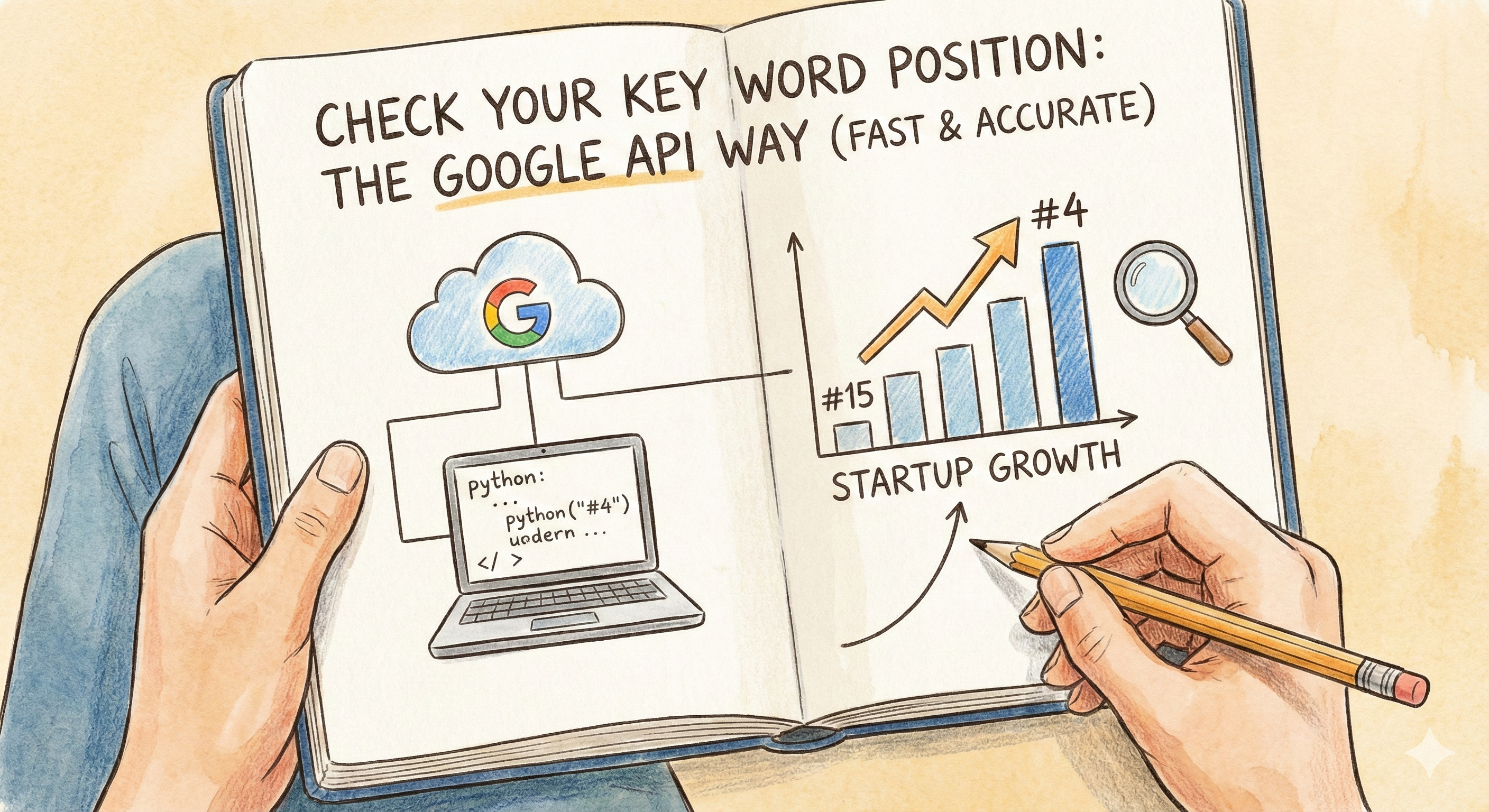
If you are still opening an incognito window, typing in your target keyword, and scrolling to see where your startup ranks, you are wasting your most valuable asset: your attention.
Manual rank checking is a relic of the past. It’s slow, biased by your personal search history (even in incognito), and completely unscalable. Worst of all, it gives you a snapshot in time that ignores the fluctuating reality of the modern SERP (Search Engine Results Page).
For tech founders and growth engineers, the solution isn’t another $99/month SaaS subscription that you’ll forget to log into. The solution is building your own truth engine using the Google Search Console API.
This guide will walk you through exactly how to programmatically check your keyword positions, why it matters for your bottom line, and how to turn that raw JSON data into a dominant SEO strategy.
Why "Build" vs. "Buy"? The Data Advantage
Before we touch the code, we need to answer the question: Why bother building a rank tracker when Ahrefs and Semrush exist?
The answer is granularity and cost.
- The "Average Position" Trap: Most commercial tools scrape Google once a day or once a week. They give you a static number: "Rank 12." But Google Search Console (GSC) data is different. It shows you the average position your site appeared in for real users. If you rank #1 for mobile users in New York but #50 for desktop users in London, a static scraper might say #12. The API tells you the nuance.
- Cost at Scale: Tracking 100 keywords is cheap. Tracking 10,000 programmatic SEO pages is expensive. The Google Search Console API is free (up to strict quota limits), allowing you to pull massive datasets without the enterprise price tag.
- Data Freshness: You don't have to wait for a third-party crawler to visit the SERP. You get the data directly from the source—Google itself.
The Google Search Console API: Under the Hood
To check your keyword position, we aren't "hacking" Google. We are using the official Google Search Console API.
What it can do:
- Query Performance: Extract clicks, impressions, CTR, and position for specific queries (keywords) and pages.
- Filter Dimensions: Slice data by country, device (mobile vs. desktop), and search appearance (rich snippets).
- Time Series: Pull data for specific date ranges to build your own trend lines.
What it cannot do:
- Competitor Data: You can only see data for verified properties you own. You cannot check competitor rankings via the GSC API (for that, you need a SERP scraping API like ScrapingDog or DataForSEO).
- Real-Time "Now": GSC data usually has a 24-48 hour lag. It is not "live," but it is accurate.
Step-by-Step: Building Your Python Rank Tracker
Let’s get technical. We are going to build a simple script that authenticates with Google and pulls the position for a specific keyword.
Phase 1: The Setup (Google Cloud Console)
You can’t just curl a URL. You need OAuth credentials.
- Go to the Google Cloud Console.
- Create a New Project (e.g.,
My-SEO-Tracker). - Navigate to APIs & Services > Library and search for "Google Search Console API". Enable it.
- Go to Credentials and create a "Service Account". This is a "robot" user that will access your data.
- Download the JSON key file for this Service Account. Keep this secret.
- Crucial Step: Open the JSON file, find the
client_emailaddress (e.g.,seo-bot@my-project.iam.gserviceaccount.com), and add this email as a User in your actual Google Search Console property with "Restricted" or "Full" permissions.
Phase 2: The Script (Python)
We will use Python because of its rich library ecosystem. You’ll need the google-api-python-client library.
pip install google-api-python-client pandas
Here is the logic for the request:
Python:
import pandas as pd
from googleapiclient.discovery import build
from google.oauth2 import service_account
1. Authenticate
KEY_FILE = 'path_to_your_json_key.json'
credentials = service_account.Credentials.from_service_account_file(KEY_FILE)
service = build('webmasters', 'v3', credentials=credentials)
2. Define Request
site_url = 'https://www.yourstartup.com/'
request_body = {
'startDate': '2025-01-01',
'endDate': '2025-01-07',
'dimensions': ['query'], # We want to group by keyword
'rowLimit': 1000,
'startRow': 0
}
3. Execute
response = service.searchanalytics().query(siteUrl=site_url, body=request_body).execute()
4. Parse to Dataframe
if 'rows' in response:
rows = response['rows']
data = []
for row in rows:
keyword = row['keys'][0]
position = row['position']
clicks = row['clicks']
data.append({'Keyword': keyword, 'Position': position, 'Clicks': clicks})
df = pd.DataFrame(data)
print(df.head())
else:
print("No data found")
What this code does:
It asks Google, "Show me all the keywords driving traffic to my site for the first week of January, and tell me my average position for each."